

🎂 Age Calculator, Calculate Your Exact Age From Date Of Birth
Calculate your exact age in years, months, days, hours, minutes & seconds
An age calculator helps you find your exact age using your date of birth and today’s date. It removes guesswork and gives a clear breakdown in years, months, and days. Many people use an age calculator to answer simple questions like how old am I or to check age for forms and records. It follows calendar rules, including leap years and month differences, so results stay accurate.
What Is an Age Calculator
An age calculator is a simple tool that compares two dates. It mainly uses your birth date and the current date.
It works by:
- Counting full years first
- Then calculating remaining months
- Then adding remaining days
This gives a complete age instead of just a number of years.
It is useful when:
- You need exact age for official documents
- You want to track milestones
- You want quick and accurate results without manual work
Unlike manual methods, it avoids small errors caused by calendar differences.
How Age Is Calculated Between Two Dates
Age is calculated by comparing your date of birth with today’s date. The process follows a fixed order to keep results accurate.
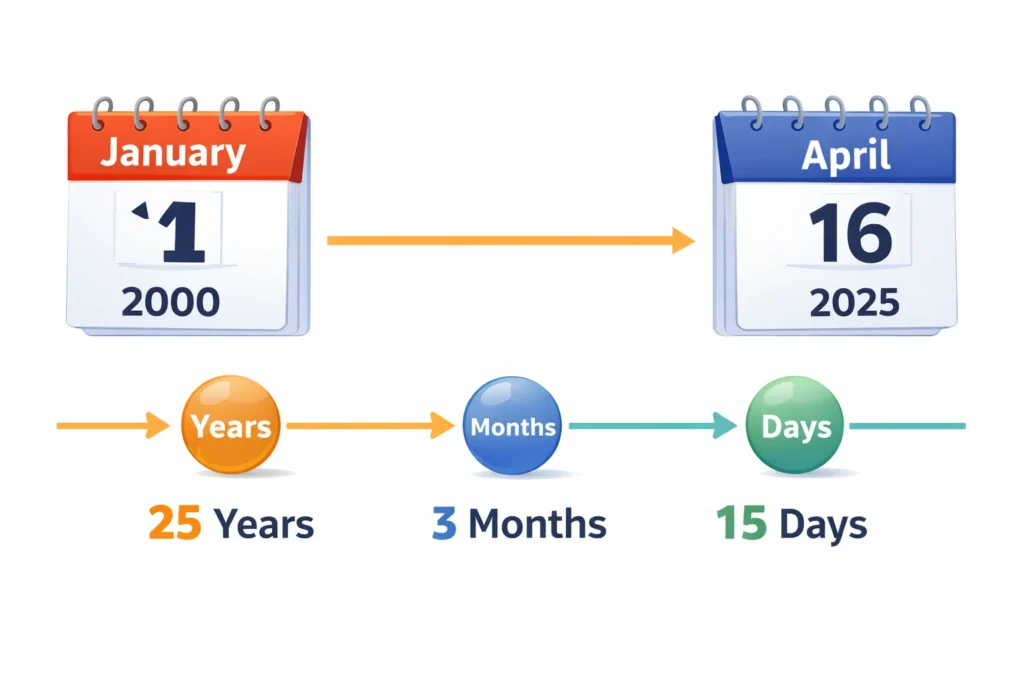
Steps involved:
- First, subtract the birth year from the current year
- Then compare months and adjust if needed
- Finally, calculate remaining days
When the current day is smaller than the birth day, adjustment is needed.
Days are borrowed from the previous month to balance the calculation.
Key points to understand:
- Months do not have equal days, so adjustments matter
- Leap years can slightly change total day counts
- Manual calculations often miss these small details
Because of these factors, automated calculation gives more reliable results.
Understanding Exact Age, Completed Age, and Running Age
Age can be shown in different ways depending on the need.
Each format has a specific use in real situations.
Exact age includes:
- Years
- Months
- Days
Completed age includes:
- Only full years completed after last birthday
Running age includes:
- Current progress after last birthday
Examples:
- A person aged 24 years and 6 months has completed age of 24
- Their exact age includes the additional months and days
This difference is important when filling forms or official records.
Age in Different Time Units
Age is not always shown only in years.
Many people need a more detailed age breakdown.
Age in Years, Months, and Days
This is the most common age format. It shows complete age in a clear calendar-based form.
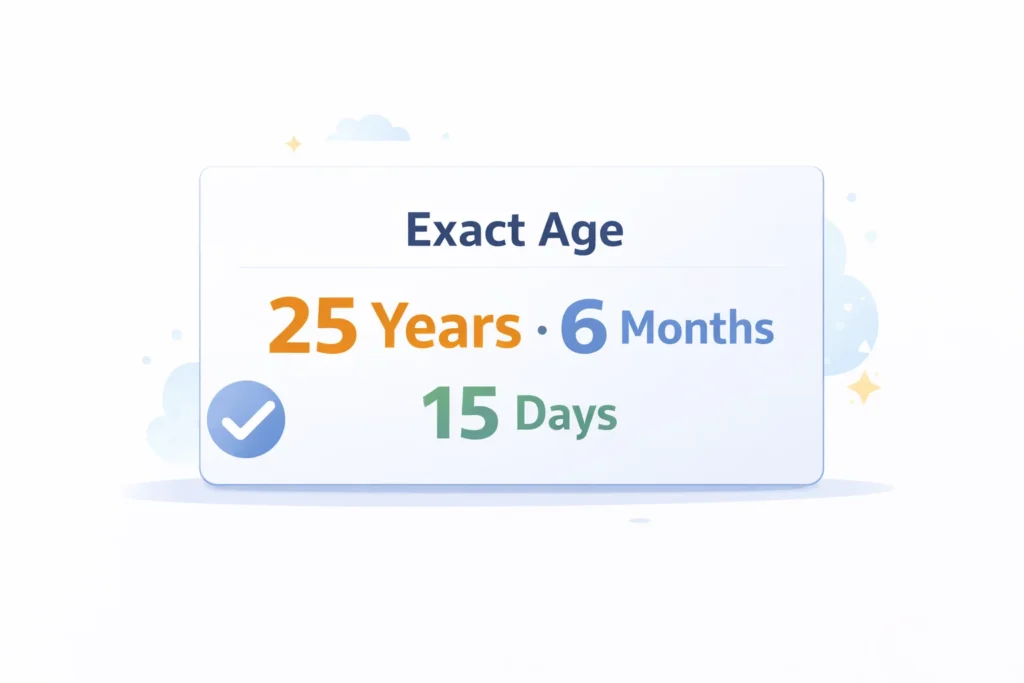
It is useful for:
- General age checks
- Official documents
- School and job forms
- Personal records
This format is easy to understand and widely accepted.
Age in Months
Age in months is helpful for younger children. Parents often use this format during early development stages.
It is commonly used for:
- Baby growth tracking
- Milestone planning
- Early education records
Months give more detail than full years alone.
Age in Weeks and Days
Weeks and days are useful for short time periods. This format gives a finer view of age.
It is often used for:
- Newborn tracking
- Health-related timelines
- Special record keeping
A detailed age breakdown helps when small time differences matter.
Age Calculation Using Date of Birth (DOB)
Date of birth is the starting point for accurate age calculation. Without the correct birth date, the result cannot be exact.
The process is simple:
- Start with the birth date
- Compare it with today or another selected date
- Measure the difference in calendar units
Accuracy depends on:
- Correct day, month, and year
- Valid date format
- Proper handling of leap years
Even one wrong digit can change the result. That is why exact input matters in date-based calculation.
Age on a Specific Date
Age can also be calculated for any past or future date.
This helps when you need age for a specific event.
Common use cases:
- Checking age on a past date
- Verifying eligibility on a future date
- Filling official or legal forms
The process is simple:
- Use date of birth as starting point
- Select a custom reference date
- Calculate the difference between both dates
This method gives accurate results for any timeline, not just today.
Total Time Lived Calculation
Age can also be expressed as total time lived.
This shows how much time has passed since birth.
Important values include:
- Total days lived
- Total weeks lived
- Total months lived
These values help in:
- Data tracking
- Personal insights
- Comparing age across different formats
For example:
- Days give exact duration
- Weeks simplify longer time periods
- Months help compare shorter age ranges
Total time values give a deeper understanding of age beyond years.
Day of Birth and Weekday Calculation
Every date falls on a specific weekday in the calendar.
Your birth date can also be matched with a weekday.
This helps you know:
- The exact day you were born
- The weekday pattern of your birthdays
Common uses include:
- Personal curiosity
- Record keeping
- Event planning
Weekday calculation follows standard calendar rules.
It remains consistent across all valid date systems.
Leap Year Impact on Age Calculation
Leap years add one extra day to the calendar.
This happens in February every four years.
This affects age calculation in small ways:
- Total days lived increase slightly
- February has 29 days instead of 28
- Birthdays near month end need adjustment
Special case:
- People born on February 29 do not have a yearly date
- Some systems count February 28 or March 1 as reference
Handling leap years correctly improves calculation accuracy.
Calendar Variations in Age Counting
Age is not counted the same way in every system.
Different regions follow different age counting methods.
Common systems include:
- Western system, age increases after each birthday
- Some traditional systems count age from birth year
In most cases:
- One full year is added after each birthday
- Partial months are not counted in completed age
Modern tools follow the standard western system.
This keeps results consistent across most use cases.
Manual Age Calculation Method
Age can be calculated manually using basic subtraction.
However, it requires careful attention to date details.
Steps involved:
- Write down birth date and current date
- Subtract years first
- Adjust months if needed
- Adjust days using month borrowing
Important points:
- Month lengths are not equal
- Leap years affect February
- Borrowing must be done correctly
Manual methods work, but small mistakes are common.
Using a tool helps avoid these errors.
Age Calculation Examples
Example Using Simple Dates
Birth date and current date are the same calendar day.
In this case, only full years are counted.
Example:
- Birth date, January 1, 2000
- Current date, January 1, 2025
Result:
- Age becomes exactly 25 years
- No extra months or days are added
Example with Month Borrowing
When the current day is smaller than the birth day, adjustment is needed.
Example:
- Birth date, March 20, 2000
- Current date, April 10, 2025
Process:
- Days are borrowed from previous month
- Month value is reduced by one
Result:
- Age becomes 25 years, 0 months, 21 days
Example with Leap Year
Leap years change the number of days in February.
This slightly affects age calculation.
Example:
- Birth date near February end
- Current date in a leap year
Result:
- Total days differ compared to non-leap years
- Exact age remains accurate with correct handling
Common Mistakes in Age Calculation
Many people make small errors while calculating age manually. These mistakes can lead to incorrect results.
Common issues include:
- Ignoring leap years
- Forgetting to borrow days from previous month
- Using incorrect date format
- Mixing completed age with exact age
These errors are easy to avoid with proper calculation methods. Accurate input and correct steps are always important.
Why Use an Age Calculator
Many people prefer using an age calculator instead of manual methods.
It saves time and reduces the chance of errors.
Key benefits:
- Instant and accurate results
- No need to handle complex date calculations
- Works with years, months, and days together
- Useful for both simple and detailed checks
It is helpful when:
- Filling official forms
- Checking eligibility conditions
- Tracking personal milestones
Using a tool makes the process faster and more reliable.
When Age Calculation Is Important
Age calculation is needed in many real-life situations.
It helps in both personal and official tasks.

Common use cases:
- Job applications and eligibility checks
- School admissions and age limits
- Health and development tracking
- Record keeping and documentation
Accurate age ensures correct decisions in these situations.
Difference Between Age Calculator and Date Difference Calculator
These two tools look similar but serve different purposes.
Understanding the difference helps choose the right method.
Age calculation focuses on:
- Birth date as starting point
- Current or specific date as reference
- Birthday-based progression
Date difference calculation focuses on:
- Any two random dates
- Pure time gap without birthday logic
- General duration comparison
Age calculation follows calendar rules like birthdays and month cycles.
Date difference is a simple gap between two dates.
Advanced Age Concepts Often Confused
Some terms are often mixed with basic age calculation.
Each has a different meaning and use.
Chronological Age
This is the actual age based on date of birth. It is the standard form used in most calculations.
Biological Age
This refers to physical condition instead of calendar age. It depends on health and lifestyle factors.
Relative Age
This shows the age gap between two individuals. It is used in comparison scenarios.
Handling Edge Cases in Age Calculation
Some situations need extra attention during age calculation.
Ignoring them can lead to incorrect results.
Important cases include:
- Birth date and current date are the same
- Birth date is set in the future
- Dates near the end of months
- February dates during leap years
For example:
- Same dates return zero age
- Future dates should not be accepted
- Month-end differences require proper adjustment
Handling these correctly improves accuracy and reliability.
Age Calculator Accuracy and Limitations
Most calculations are based on date values only.
Time of birth is usually not included.
Important points:
- Results are based on calendar dates
- Time zones are not considered in basic calculation
- Incorrect input leads to wrong output
Even with limitations, the results are highly accurate.
Correct input ensures the best possible calculation.
Quick Tips for Accurate Age Calculation
Small checks can improve accuracy in every calculation.
These tips help avoid common errors.
Follow these tips:
- Enter correct date of birth
- Double check day, month, and year
- Avoid guessing approximate dates
- Use exact calendar values
Simple habits make a big difference in accuracy.
Frequently Asked Questions About DOB Calculation
Summary of Age Calculation
Age calculation depends on comparing two valid dates. Years, months, and days give a complete age breakdown. Using an age calculator ensures accuracy and saves time. Understanding basic rules helps avoid common mistakes.