

Baby Age Calculator, Find Your Baby’s Age in Weeks, Months, and Days
Enter your baby’s date of birth to see the exact age today in years, months, days, weeks, and total days.
Baby age today
0 months, 0 days
Exact age
0 years, 0 months, 0 days
Age in weeks
0 weeks, 0 days
Total months
0 months
Total days
0 days
Tracking your baby’s age sounds simple, but small differences matter a lot early on. Even a few days can change feeding patterns, sleep routines, and development stages. Many parents just want a clear answer to how old their baby is today. A baby age calculator makes this easy by showing exact age in weeks, months, and days without confusion. It also helps avoid mistakes that happen with manual counting.
Why knowing your baby’s exact age matters
Baby growth moves fast during the first weeks and early months. Even a small age gap can affect feeding, sleep, and daily routines. Doctors often check age in weeks during early appointments. Parents also track age to understand growth stages more clearly.
Knowing the exact age helps avoid confusion between weeks and months. It also makes daily care decisions easier and more accurate.
What is baby age and how it is measured
Baby age starts from the exact date of birth. It is measured by comparing birth date with today’s date. In early stages, age is usually counted in days and weeks. After some time, months become easier for everyday tracking.
A full format includes years, months, and remaining days. Each format helps in different situations depending on growth stage.
Common ways to calculate baby’s age
There are a few simple ways parents track a baby’s age. Each method depends on how detailed you want the result.
Age in weeks
Weeks are mostly used during early infant stages. This makes it easier to track rapid development changes. Many parents prefer weeks for the first few months.
Age in months
Months become easier as the baby grows older. This format is commonly used in daily routines. It helps answer how old the baby is in months.
Exact age breakdown
This includes years, months, and remaining days. It gives a complete and accurate age result. Useful for both medical and general tracking needs.
How to calculate baby’s age manually
Start with your baby’s exact date of birth. Then take today’s date or any selected date. Find the difference between both dates carefully.
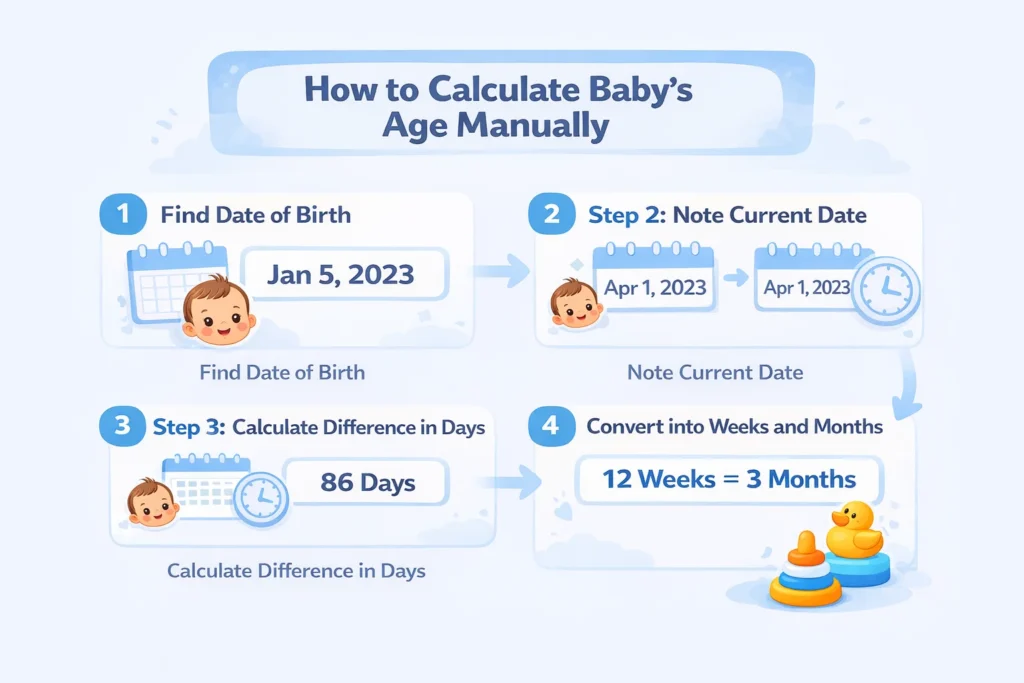
First, count full years between the two dates. Then calculate remaining months after full years. Finally, count the leftover days for exact accuracy.
Simple age formula
Age = Current date − Date of birth
For exact breakdown:
- Years = difference in years
- Months = difference in months after years
- Days = remaining days after months
Weeks calculation formula
Weeks = Total days ÷ 7
Remaining days = Total days % 7
For total days:
Total days = Current date − Date of birth
Manual calculation works, but small mistakes are common. Even one day difference can affect the final result.
Baby age in weeks vs months
Weeks are more useful during the early stage after birth. Parents often follow growth changes week by week at this time. This makes weekly tracking easier and more accurate in the beginning.
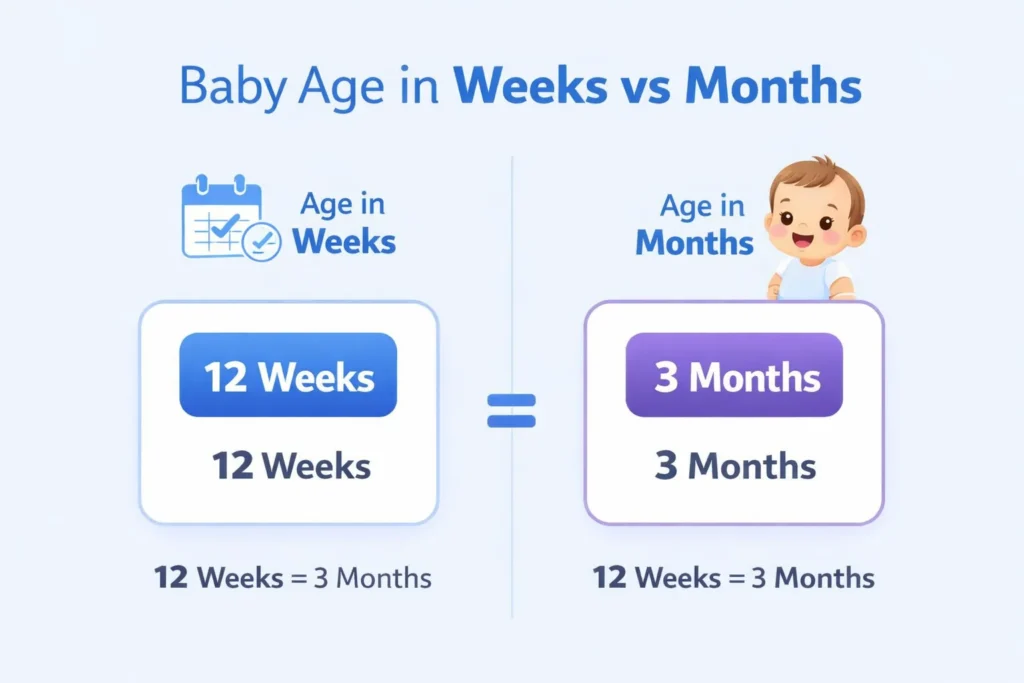
Months become more practical as the baby grows older. Daily routines are usually planned based on monthly age. It feels simpler compared to counting every single week.
Both formats are correct, but used at different stages. Weeks help in early development tracking and doctor visits. Months work better for long term growth and daily planning.
Common questions parents ask about baby age
Parents often have simple but important questions about baby age. These questions usually come up during daily care and routines.
- How old is my baby today
- How many weeks old is my baby
- How many months old is my baby
- How many days old is my baby
- How do you calculate a baby’s age
- How to calculate baby’s age in months
These questions show the need for clear and exact age results. Different formats like weeks, months, and days all matter. That is why accurate calculation becomes important in early stages.
Use the baby age calculator for quick results
Enter your baby’s date of birth in the calculator. Select today’s date or any date you want to check. The tool will instantly show the exact baby age.
You can see age in weeks, months, and total days. This makes it easier to track growth and daily routines. It removes the need for manual counting and reduces mistakes.
If you want to check general age in years and months, you can also use an age calculator for quick comparison. The baby age calculator keeps everything simple and accurate.
Final thoughts on tracking baby age
Tracking your baby’s age becomes easier with the right method. Using weeks or months depends on the baby’s current stage. Clear age tracking helps in daily care and growth understanding.
A baby age calculator gives quick and accurate results anytime. It helps avoid confusion that comes with manual calculations. You can check age in weeks, months, and exact days easily.
Keeping age tracking simple helps parents stay more confident. Small details matter a lot during early baby development stages.